We set it up for you.
One visit from our team, before service. We connect everything, film your team and test it with real receipts. No technical knowledge needed.
From demo to your first returning guest.
- 1
Demo
We show Seeya on your own receipts and check your POS and printer.
- 2
Your plan
Choose a plan. The one-time €299 setup covers everything that follows.
- 3
Installation day
We connect your POS and printer, film your team and set up your offer.
- 4
Test and training
We print test receipts, run the full guest journey and walk you through the dashboard.
- 5
You’re live
Your subscription starts on installation day, not a day earlier.
What happens on installation day.
We come before service, so your evening runs as normal. By the time your first guests arrive, Seeya is printing on every bill.
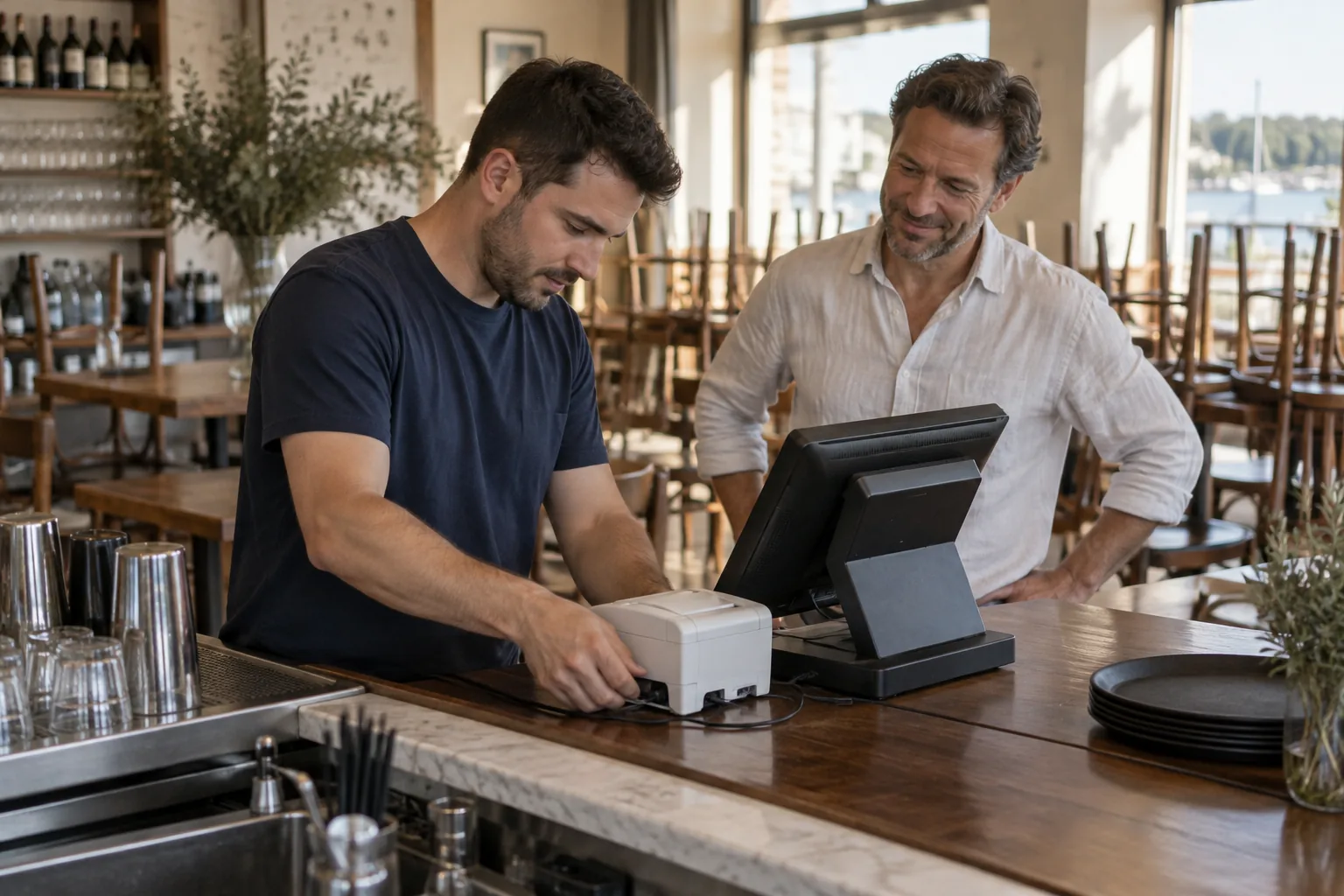 Before service
POS and printer. We connect Seeya to your Trivec or Lightspeed system and your receipt printer.
Team videos. Our crew films a short thank-you with everyone on your team, edits it and puts it live.
Your offer. We set up your first offer, how long it stays valid and when it can be used.
Your look. Your logo, colours and booking link on every screen your guests see.
Staff scanner. We add the scanner to your staff phones and set a PIN if you want one.
Test receipts. We print real test bills and run the whole guest journey together.
What you need to prepare.



 +
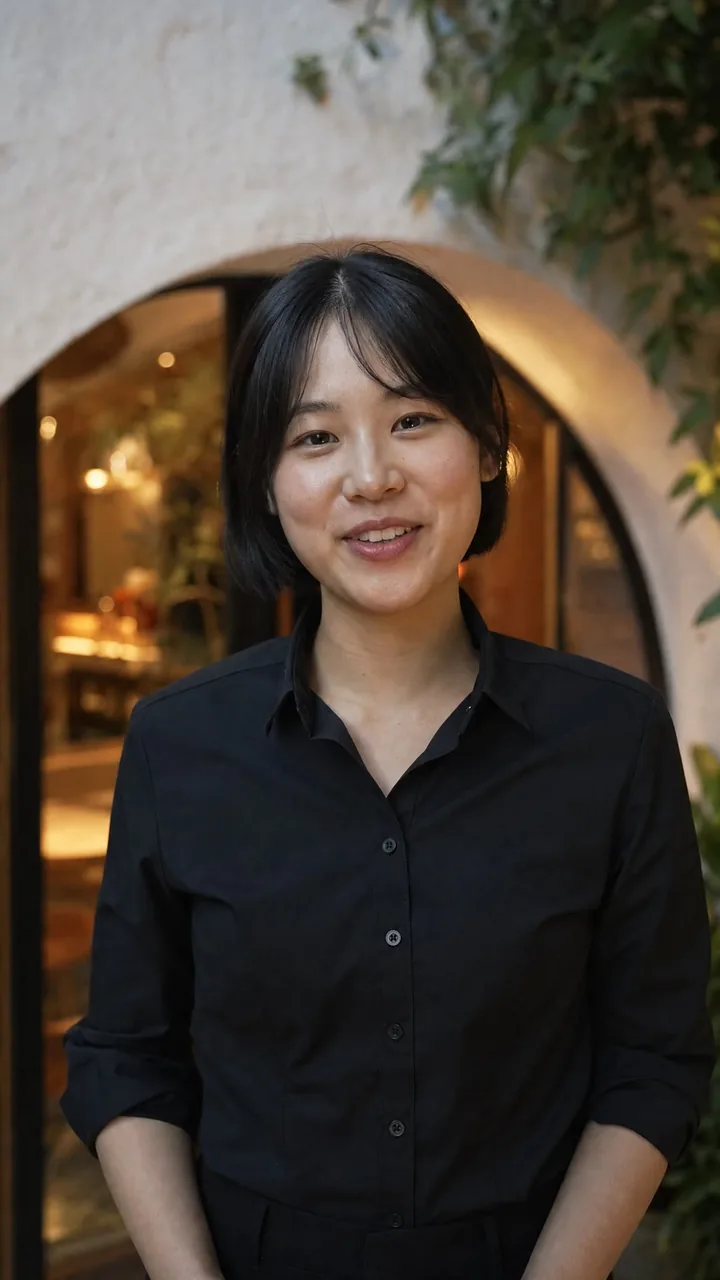
+Your team, on shift. Everyone who serves guests needs a few minutes in front of the camera.
Your logo and colours. Send them before the visit, so your guest page is ready on the day.
Your first offer. Think about what you’d like to give returning guests, and for how long.
Works with the system you already use.
We confirm your exact system and printer during the demo. And if the internet ever drops, your bills print as normal, just without the QR code.